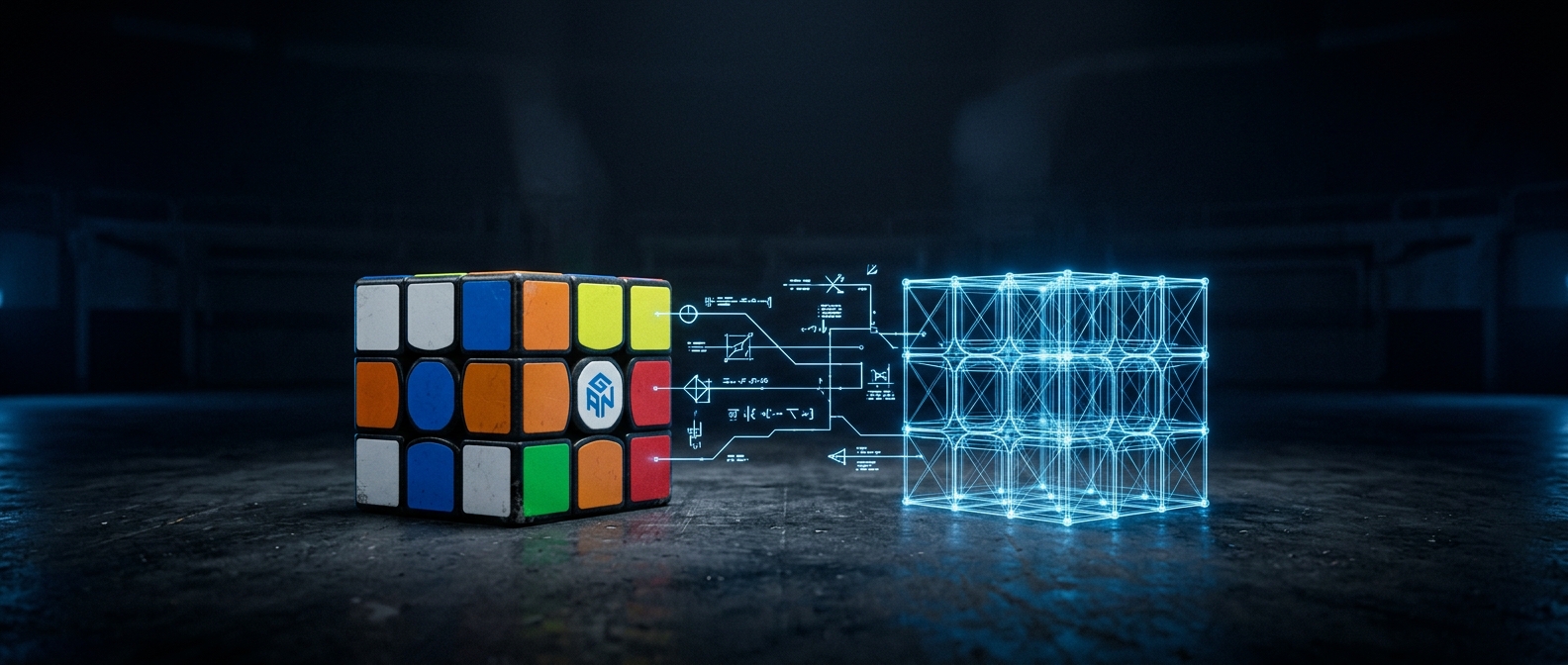
When the cube is out of sync
Most of the time you never think about state: cubrs tracks every turn and stays in step with your cube on its own. But if the virtual cube and your real one ever disagree — a dropped turn, a cube that was moved while disconnected — there are two buttons on the Reset screen to put them back in agreement. Here’s how they work and when to reach for each.
1. Tracking heals itself
cubrs follows your solve by cube state, not by matching moves in order, so a wrong turn doesn’t derail it — undo the mistake and progress simply resumes. On top of that, your cube periodically reports its own true state, and cubrs treats those reports as the last word: they overwrite the virtual cube unconditionally, because the physical cube is always the authority. That’s the safety net that quietly corrects most small drifts before you notice them.
2. Sync from cube — always safe
If things still look wrong, click Sync from cube. It asks the cube for its current state and re-reads it into cubrs. This never changes your physical cube and never loses anything — it just re-copies the truth from the cube into the app. When in doubt, this is the button to press.
3. Mark as solved — only while it really is solved
Mark as solved (also labelled “Reset cube memory”) does the opposite: it tells the cube to believe it is solved. Use it only when the cube is physically solved in your hands — it’s for realigning a cube whose internal memory has drifted, not for fixing a scrambled one. Because it’s easy to misuse, it sits behind a confirmation dialog. If your cube is scrambled and out of sync, use Sync from cube instead.
4. Still wrong right after connecting
If the cube seems dead or the state is nonsense the moment you connect — turns not registering, or the whole thing looking blacked out — that’s usually a wrong MAC address on a GAN cube, not a sync problem. The fix lives in connection troubleshooting, which walks through re-entering the MAC and reconnecting.