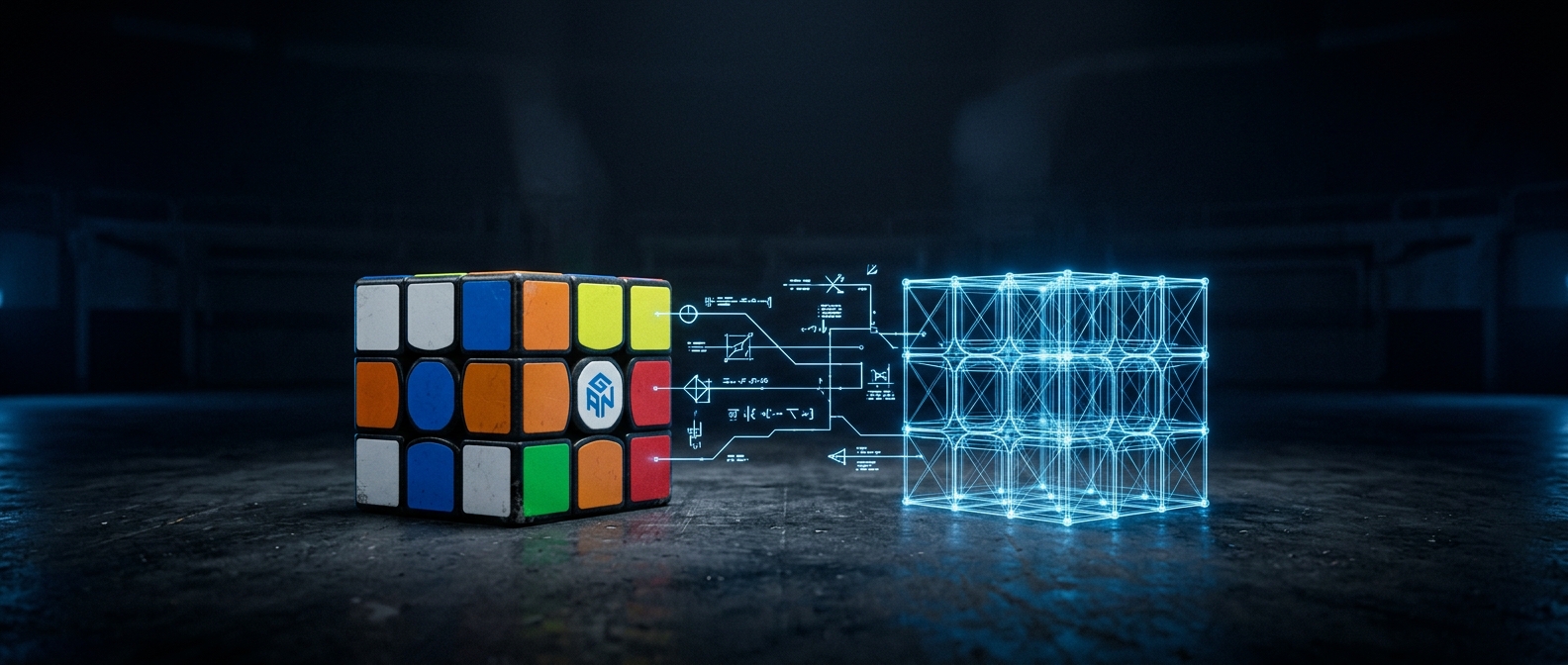
GAN cubes and the MAC address
GAN cubes encrypt the turn data they send over Bluetooth. The decryption key is derived from the cube’s hardware MAC address, so cubrs needs that address to read your turns. Most of the time this is invisible — but it’s worth knowing why the app occasionally asks.
Why it’s needed
Without the right MAC, the data coming off a GAN cube is scrambled and the app can’t tell one turn from another. With it, every move decodes cleanly. This is specific to GAN’s encrypted protocol; most other brands don’t work this way.
How cubrs finds it automatically
GAN cubes broadcast their MAC inside the manufacturer data of their Bluetooth advertisement. When your browser supports reading that data, cubrs picks the MAC up on its own and you never see this step. Once found, it’s remembered with your cube so reconnecting is instant.
If you’re asked to enter it by hand
Some browser and OS combinations don’t expose the advertisement data, so cubrs can’t read the MAC automatically. When that happens it’ll prompt you to type it in. You can find your cube’s MAC in the official GAN app (under the cube’s details/info screen), or sometimes on a sticker inside the battery compartment. Enter it once and cubrs stores it for next time.
AB:CD:12:34:56:78. Enter all six pairs; the
app isn’t case-sensitive about the letters.Still not decoding?
If turns look wrong or nothing registers after connecting, the stored MAC may be off by a character. Remove the cube from your device list and reconnect so cubrs can re-read or re-ask. See connection troubleshooting for more.